There will be three examination runs, 72 hours each. The runs start
at 10:00 on 6/6, 18/6, and 2/7. You have to sign up for one of
the runs at the srpeadsheet. After the start of the run you go to
the page with the examination projects ---
which will be reshuffles randomly just before the start of the run ---
and take the project with your ordinal number from the spreadsheet
(modulo the number of projects). You must create an extra directory
(say, ~/public_html/numeric/exam) and make your examination
project there just like you did with the homework problems. However,
here you must invent the A, B, and C sub-problems yourself. You must
supply a README file seeable in a browser (plain text, html
or pdf) with a short description of the problem and the sub-problems.
The figure files, if any, and the output files should clearly demonstrate
that the project has been completed satisfactorily.
The spreadsheet is actually a program: you have to copy/paste the line #0 in order for the spreadsheet to work as intended.
In the table you only have to indicate to which extent you have solved the corresponding part of the exercise by giving yourslef a number between 0 (nothing done at all) and 1 (an exemplary solution with meaningfull, concise and witty comments) -- the spreadsheet will recalculate the points and percentages automatically.
After you have sent me the email confirming you've solved the HelloWorld exercise I'll give you the permission to edit the homeworks spreadsheet. You have to add youself to the table by adding an extra line at the bottom of the table; the contents of the line should be copied from the line with my name in it and then changed accordingly.
To get colors in your terminal on lifa put the
following line in your .login file:
setenv TERM xterm
make
utility;
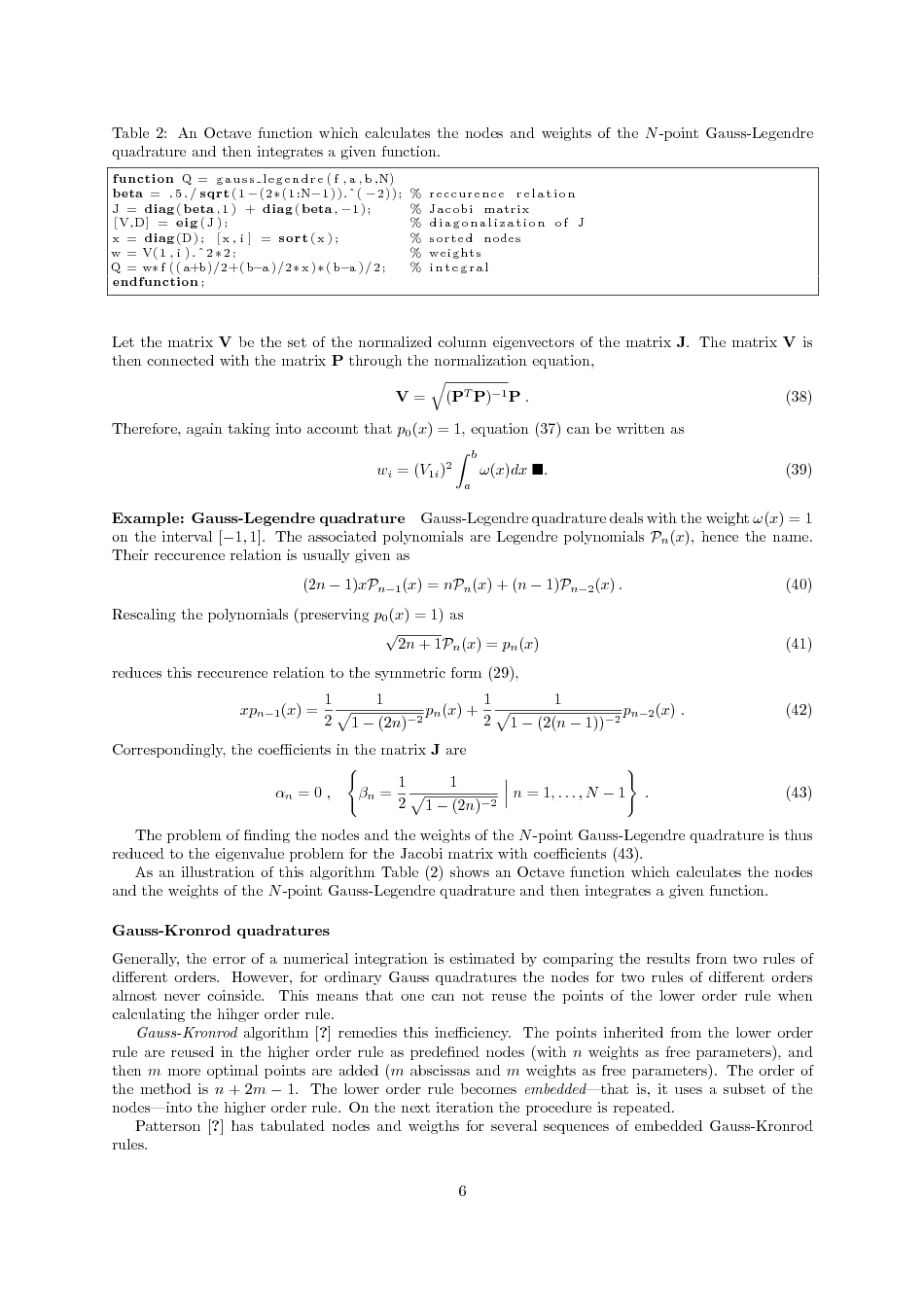
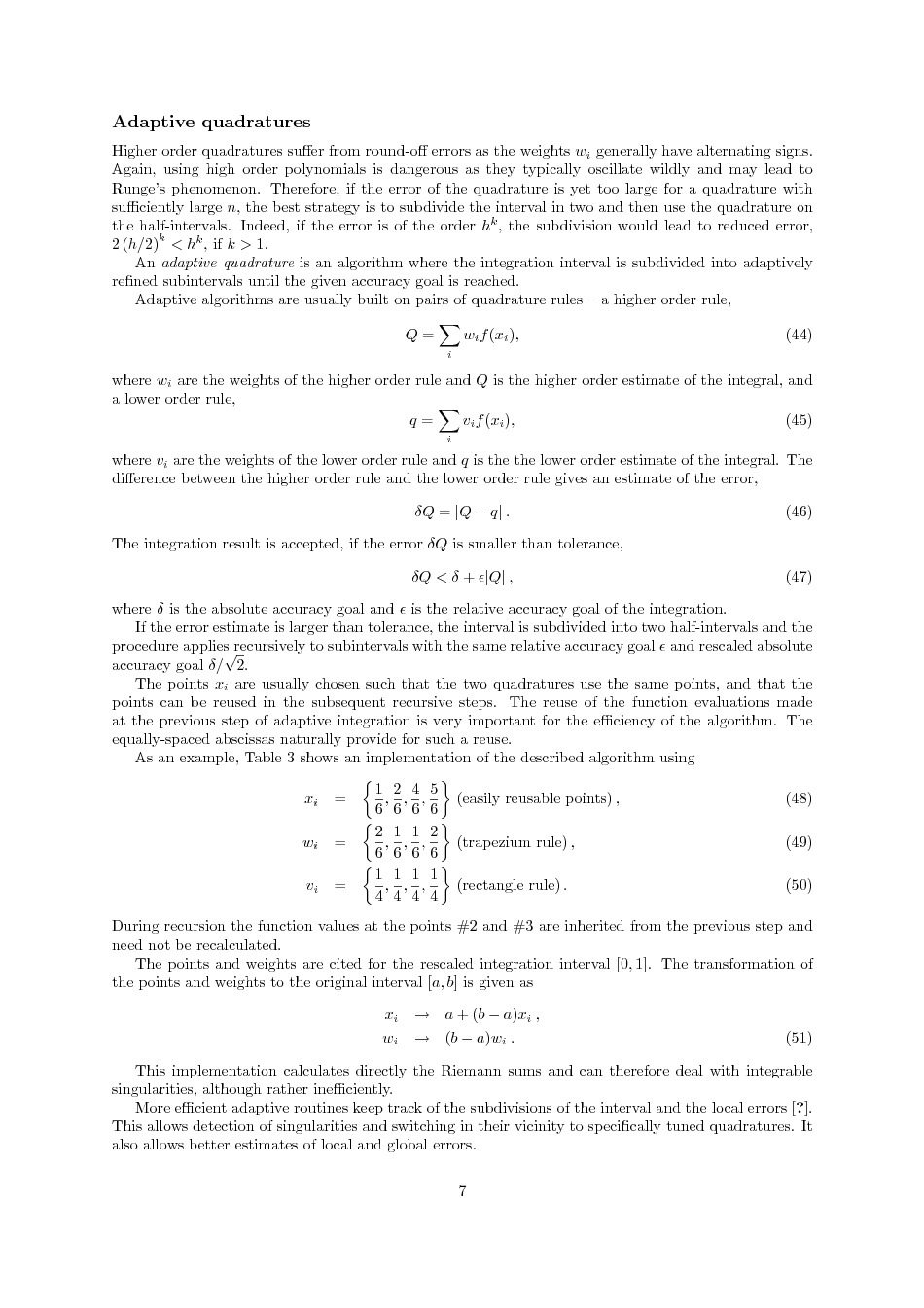
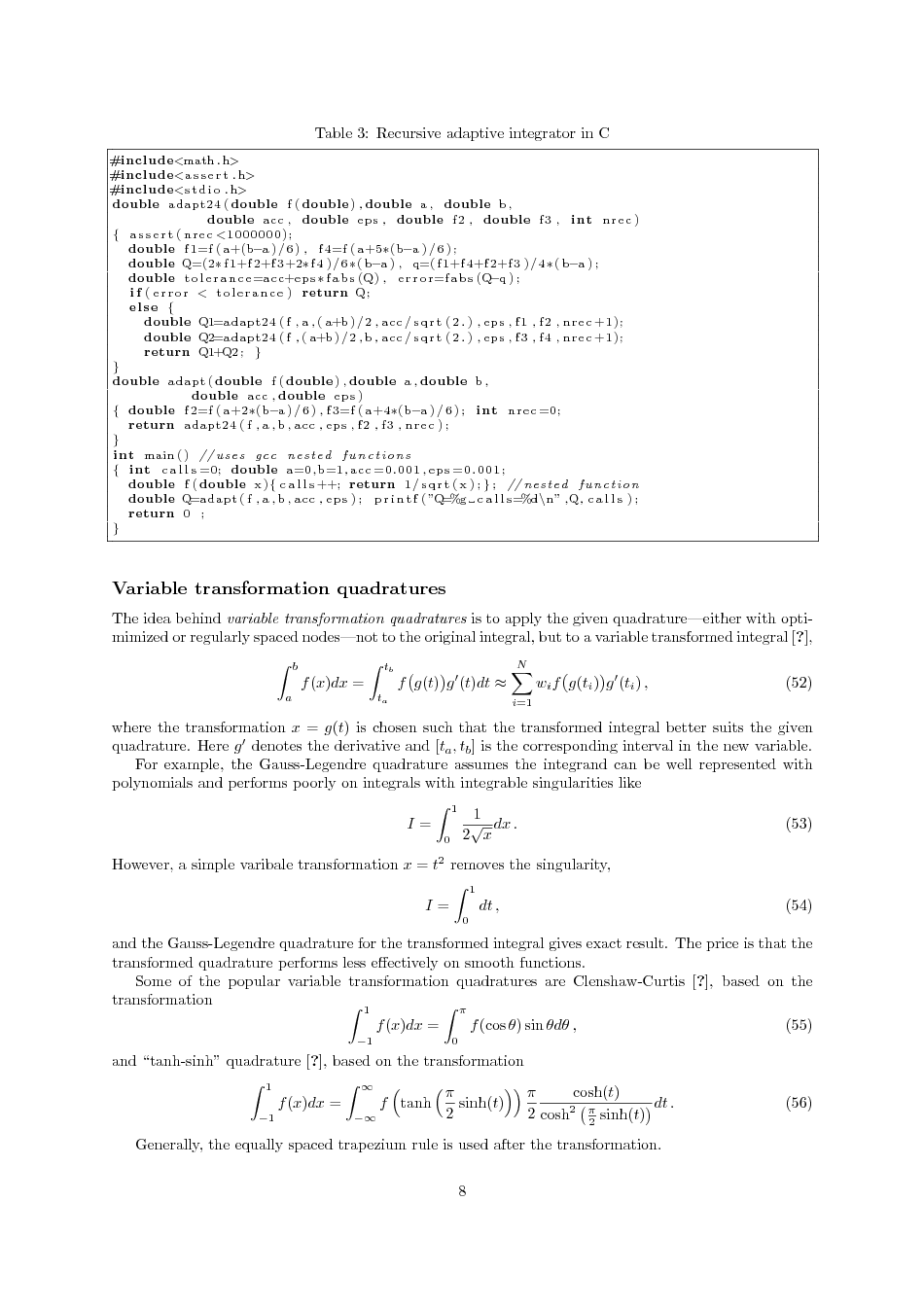
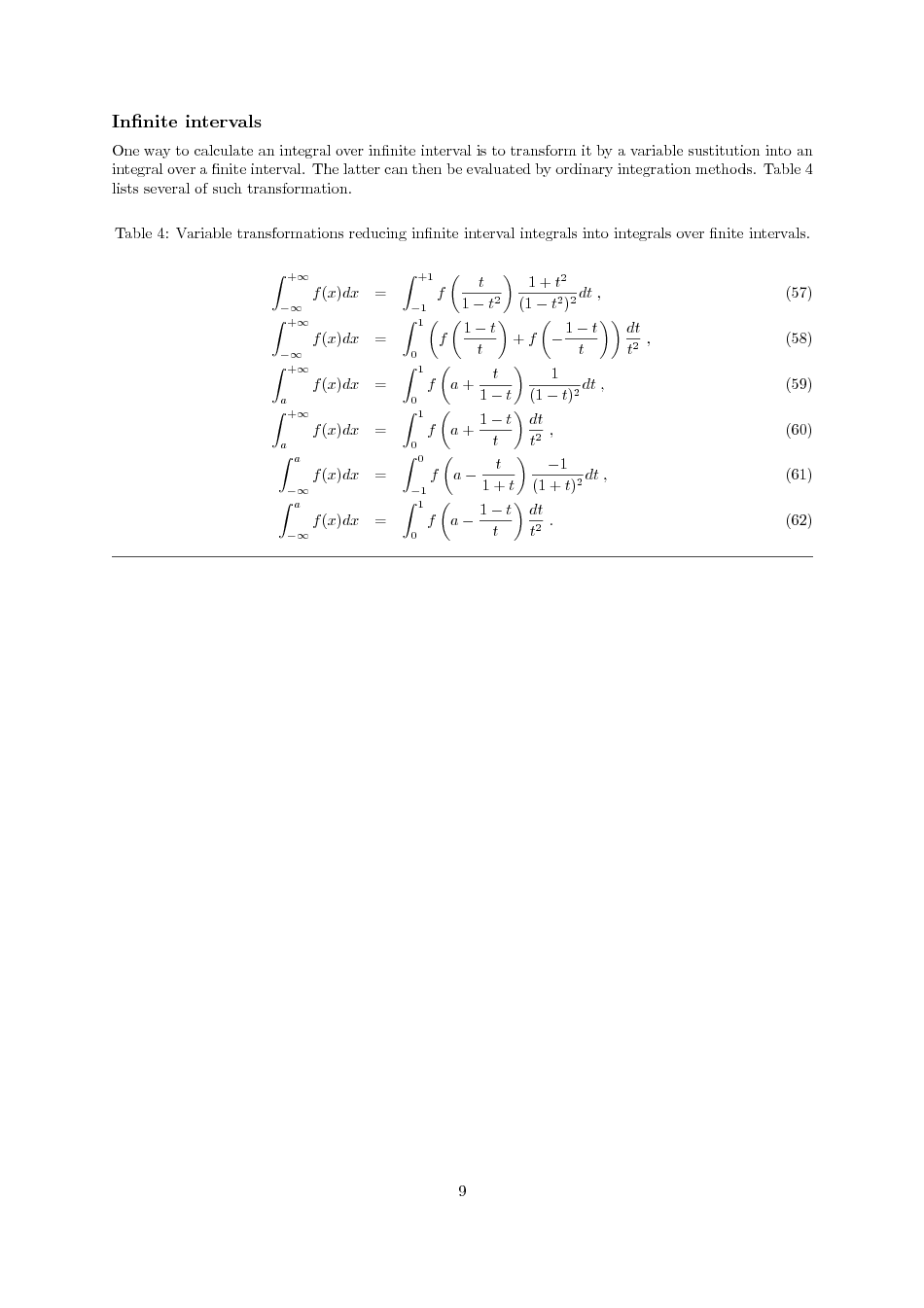
homework structure: makefile, main.c, method.c, utils.c →
output.txt, illustration.png, ... .
lifa.phys.au.dk. From outside the firewall
you login to lifa with RSA-keys; from inside –
with NFIT password. VPN effectively brings
you inside the firewall.
molveno, which is a two-processor box running the current
Ubuntu. You can only login into molveno from inside the
firewall. That is, from home you have to login first into
lifa.phys.au.dk and then to molveno. molveno
box is better updated and has more software installed.